OPMS operates as a Software Infrastructure as a Service (SIAS) platform, delivered through a subscription-based model. Your subscription cost is flexible and depends on the features you select, such as database storage capacity and the number of business branches connected to your system.
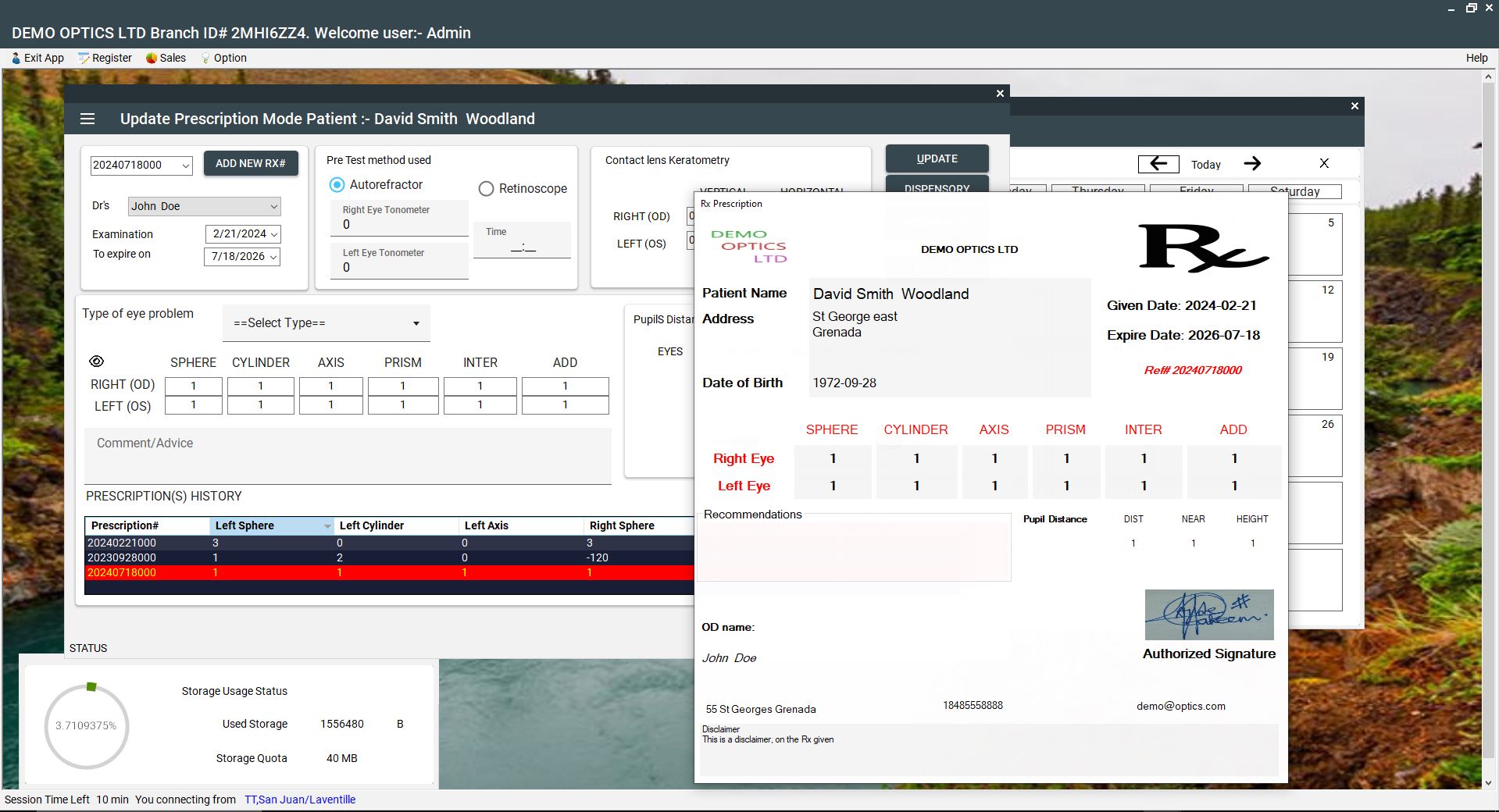
The OPMS application runs as a Windows desktop software supported by a secure cloud-based database. This hybrid design allows your business to access data from anywhere while still benefiting from the full processing power and performance of your local computer.
Our team manages and maintains the backend infrastructure, ensuring system reliability, data availability, and continuous online operation so your practice remains connected at all times.
NOTE BEFORE INSTALLATION:
We recommend connecting your PC to the internet using a wired connection during the setup process, unless your wireless connection is strong and stable. Any interruption in connectivity during installation may cause setup issues.
After installation is completed, OPMS will provide a demo account valid for a limited period. During this time, you will have full access to all software features; however, storage capacity will be limited and access will be restricted to a single business branch.
Please note that although this is a demo account, it operates as a live production environment. Once the demo period expires, your subscription options can be upgraded or adjusted to suit your business requirements.
Hardware/Software requirement
OPMS is a desktop windows application, as such you must be running windows 10 or 11.
- Minimum Screen Resolution for best display 1366 x 780, higher is recommended
- Good internet connection at all time
To learn more about Pricing and subscription follow click
here